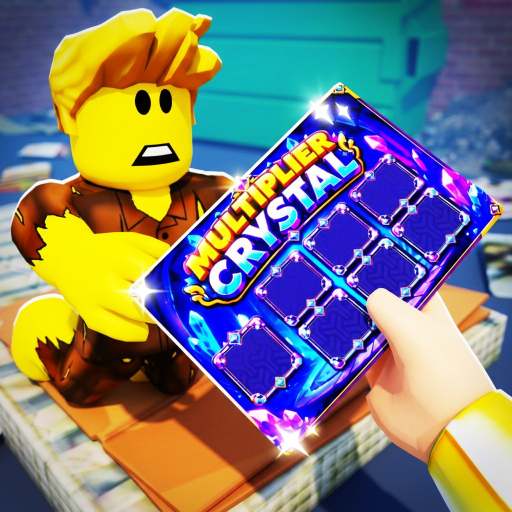
How to Use Scratchy Loot Scripts
Step-by-step Scratchy Loot script setup for Roblox executors with safety notes and troubleshooting.
Setup steps
Install a compatible executor on PC or mobile. Join Scratchy Loot in a private or public server. Copy the script loader, paste into the executor window, and execute once — some loaders require a second execution if UI fails to appear.
Troubleshooting
If nothing happens, rejoin Roblox, disable conflicting scripts, and confirm the game place ID matches SIGMA ISLAND official experience. Update 3 patches may require waiting for script authors to refresh raw GitHub loaders.
Safe usage habits
Run on alternate accounts, avoid streaming or recording with main accounts, and disable auto-buy until you verify ticket tier settings match your bankroll.
Related Pages
Frequently Asked Questions
Do I need a key?
Some scripts use key systems. Follow the in-script prompt if required.
Mobile scripting?
Possible with mobile executors but less stable than PC.