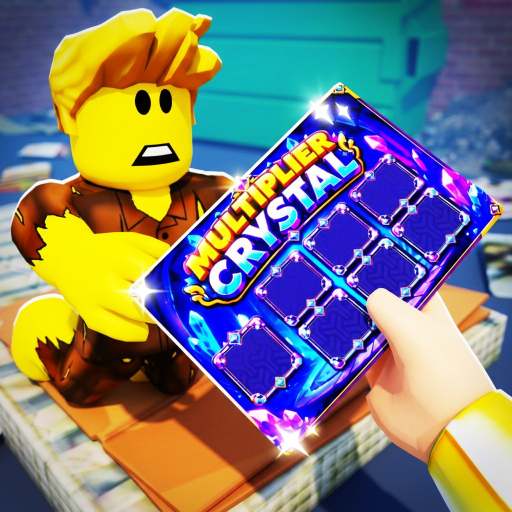
Scratchy Loot Controls
Complete Scratchy Loot controls guide for mouse scratching, mobile gestures, settings menu, and UI shortcuts on Roblox.
Scratching mechanics
Scratchy Loot uses click-and-drag scratching that mimics real foil removal. Wider scratch strokes come from Power upgrades, not faster mouse movement. On mobile, use steady finger drags instead of tapping.
Manual scratching remains relevant even with automation because high-risk cards need human judgment until prestige safety upgrades unlock.
Menus and settings
The gear icon opens Settings for codes, audio, and quality options. Inventory and gadget shops use desk-side UI panels — hover prompts on PC, tap on mobile.
Spacebar or equivalent shortcuts may clear tickets faster once unlocked in the upgrade tree — check the rightmost upgrade column after mid-game purchases.
Camera and desk management
Zoom to read symbol details on high-value cards. Trash Can interactions require dragging broken plates or losing tickets to the bin.
Related Pages
Frequently Asked Questions
Can I use a controller?
Roblox controller support varies. Mouse and touch remain the intended inputs.
Where is the codes menu?
Settings gear, scroll to Codes section near the bottom.